



Select and Delete Duplicate Records
In SQL Server, you can use the “Select” and “Delete” commands to find and remove duplicate records. This is necessary whenever the same data ends up stored more than once in a database, and it can offer the following advantages:
- Preserving data integrity: Duplicate records in a database can break data integrity and lead to incorrect results. This is especially important in large databases, where detecting and removing duplicate records helps ensure data integrity.
- Saving storage space: Duplicate records can needlessly take up storage space. This leads to wasted disk usage and can cause performance problems. Removing duplicate records helps use storage space more efficiently.
- Improving data accuracy: Duplicate records can reduce data accuracy. For example, when there are multiple records for the same customer, it becomes harder to keep that customer’s information consistent. Removing duplicate records can improve data accuracy.
- Improving performance: As the number of duplicate records in a database grows, queries and operations can run more slowly. Removing duplicate records can improve database performance and help you get query results faster.
- Getting accurate results for data analytics: Duplicate records can make it harder to get accurate results in data analytics and reporting processes. Removing duplicate records can help you reach more accurate results in analytics and reporting.
In short, using Select and Delete commands in SQL Server to find and remove duplicate records can offer advantages like preserving data integrity, saving storage space, improving data accuracy, improving performance, and getting accurate results for data analytics.
Now let’s walk through an example.
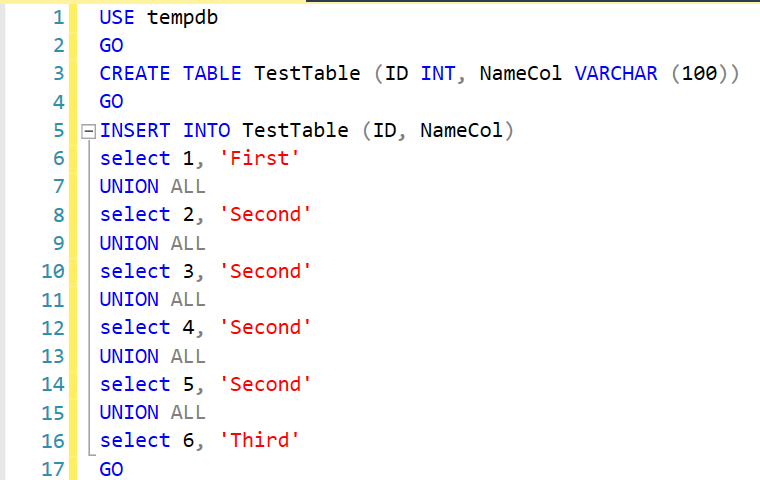
Let’s create a simple table that contains duplicate data. You can create this sample table in the tempdb database using the code below.
USE tempdb

GO

CREATE TABLE TestTable (ID INT, NameCol VARCHAR (100))

GO

INSERT INTO TestTable (ID, NameCol)

select 1, 'First'

UNION ALL

select 2, 'Second'

UNION ALL

select 3, 'Second'

UNION ALL

select 4, 'Second'

UNION ALL

select 5, 'Second'

UNION ALL

select 6, 'Third'

GO

--Selecting Data

Select *

From TestTable

GO

--Detecting Data

SELECT NameCol, COUNT(*) TotalCount

FROM TestTable

GROUP BY NameCol

HAVING COUNT(*) > 1

ORDER BY COUNT(*) DESC

GO

--Deleting Duplicate

DELETE

FROM TestTable

WHERE ID NOT IN

(

SELECT MAX(ID)

FROM TestTable

GROUP BY NameCol)

GO

--Selecting Data

SELECT*

FROM TestTable

GO

DROP TABLE TestTable

GO
First, let’s select and run the part shown in the image below to create our table.
Need expert support for SQL Server?
Our senior database team supports SQL Server performance tuning, health checks, migrations, Remote DBA services and urgent operational issues.
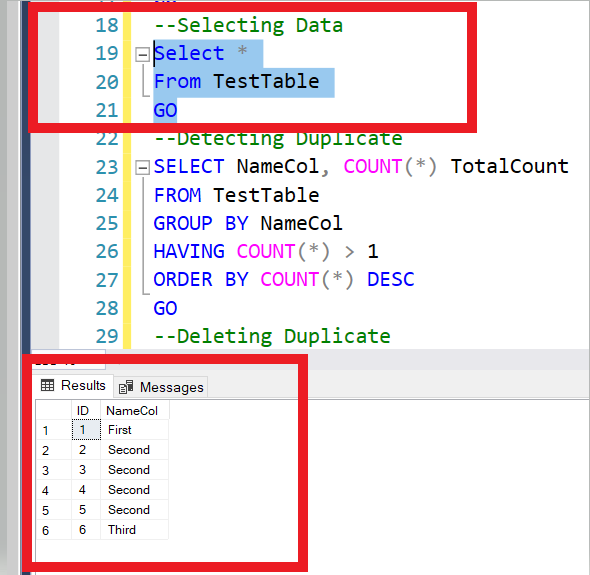
In our case, after executing the part selected below, you can see that this column’s records were entered multiple times.
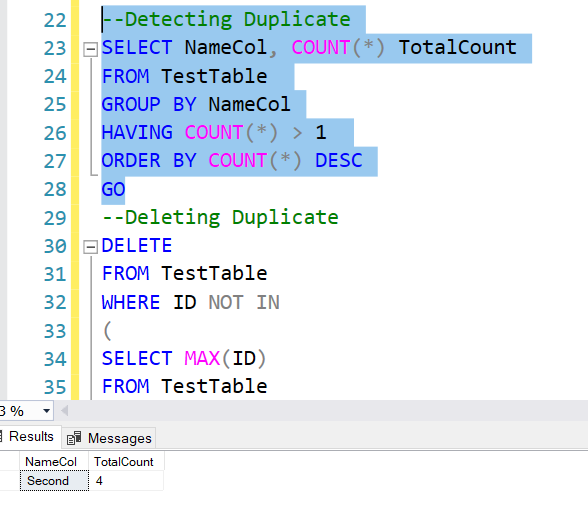
Let’s run the script that detects the duplicate records and their counts from the test table. As you can see in the column below, the value ‘Second’ was entered 4 times.
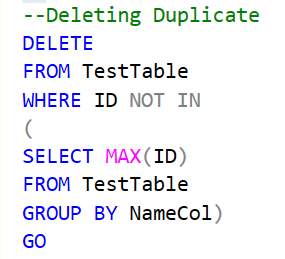
The query below will delete every duplicate record except for the most recently added one.
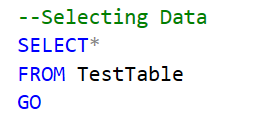
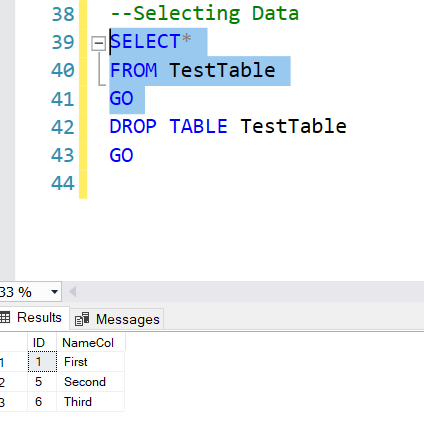
And finally, let’s select the query below one more time. You can see that the data has been removed as a result of this operation.
Finally, you can delete all the data in the table using the code below.
DROP TABLE TestTableRelated Reading
SQL Server Consulting
Do You Need Expert Support for Your SQL Server Environment?
Aryasoft’s senior database team provides end-to-end consulting, from SQL Server performance tuning to architecture decisions.

