Alerts are an important feature of SQL Server that allow administrators to monitor the health and performance of their databases. Alerts are notifications that are triggered when specific events occur in SQL Server, such as a database going offline or a long-running query causing performance issues. In this article, we will explore the concept of alerts in SQL Server, how to create and manage them, and some best practices for using alerts effectively.
What are SQL Server Alerts?
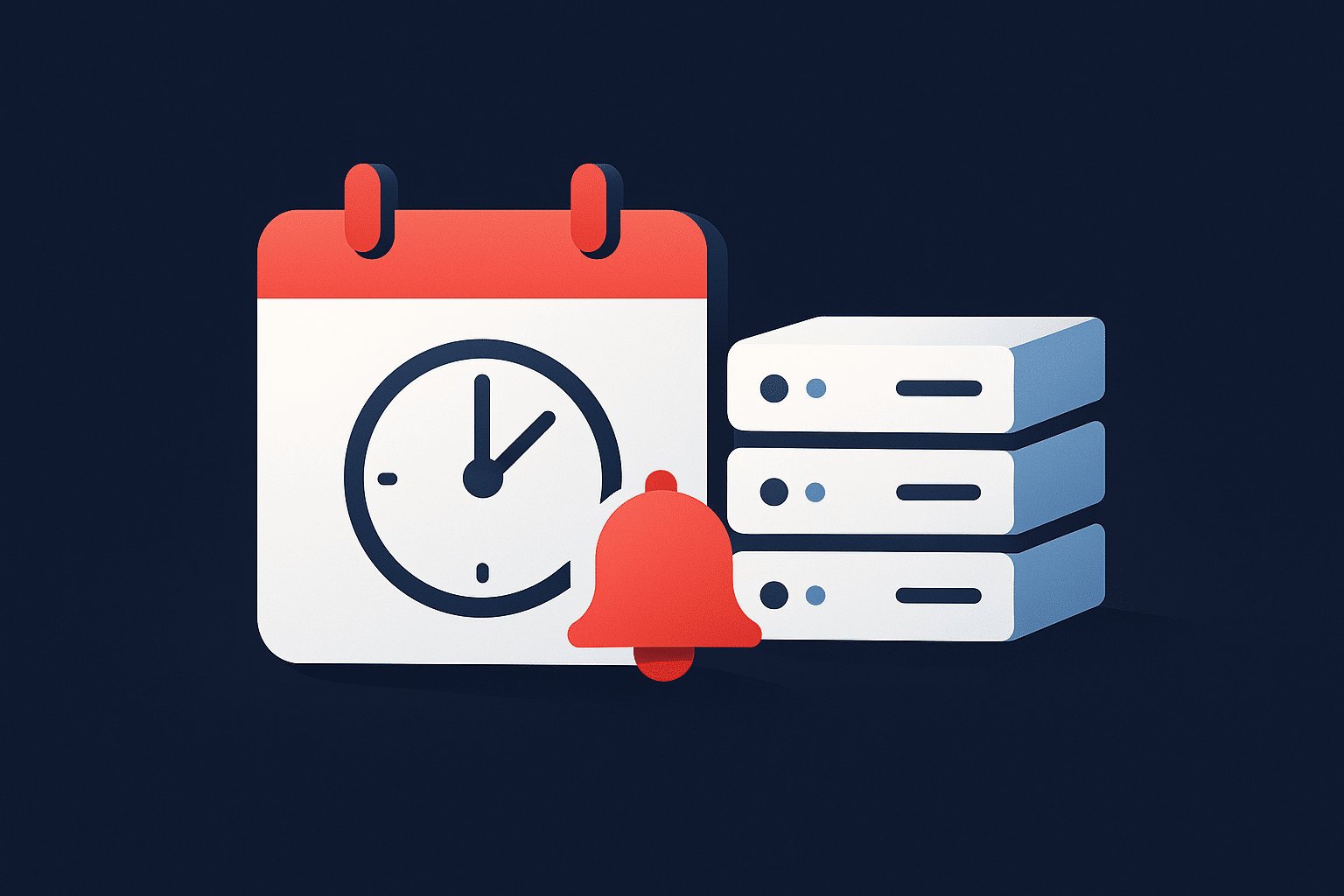
SQL Server alerts are notifications that are triggered when specific events occur in SQL Server. When an event occurs, SQL Server Agent, a component of SQL Server that allows you to schedule and automate administrative tasks, can send an email message or execute a job. Alerts can be used to monitor a wide range of events, including database performance, system errors, and security breaches.
Creating and Managing Alerts
To create an alert in SQL Server, you need to have the necessary permissions and access to SQL Server Management Studio. Here are the steps to create and manage an alert:
- In SQL Server Management Studio, expand the SQL Server Agent folder and right-click on the Alerts folder. Select “New Alert” to open the New Alert dialog box.
- In the General tab, enter a name for the alert and a description. Specify the type of event that will trigger the alert and the severity level.
- In the Response tab, specify the action that should be taken when the alert is triggered. You can execute a job, send an email, or execute a command.
- In the Options tab, specify additional settings for the alert, such as the number of times the alert should be repeated, the delay between alert notifications, and the duration of the alert.
- Once you have configured the alert settings, click OK to save the alert.
Once the alert is created, you can manage it by right-clicking on it in SQL Server Management Studio and selecting “Properties”. From here, you can modify the alert settings, view the alert history, and manage alert responses.
Best Practices for Using SQL Server Alerts
Need expert support for SQL Server?
Our senior database team supports SQL Server performance tuning, health checks, migrations, Remote DBA services and urgent operational issues.
To use SQL Server alerts effectively, it’s important to follow best practices. Here are some tips to help you get the most out of SQL Server alerts:
- Use descriptive names and descriptions for alerts.
- Configure email notifications for alerts to ensure that you are alerted in a timely manner.
- Monitor alert notifications to ensure that they are accurate and reliable.
- Configure alerts based on the severity of the event to ensure that you are alerted to critical issues.
- Regularly review and update alert settings to ensure that they are still relevant and effective.
Conclusion
SQL Server alerts are a powerful tool for monitoring the health and performance of SQL Server databases. By creating and managing alerts, you can ensure that critical issues are identified and addressed in a timely manner. With the proper configuration and management, alerts can help ensure that your SQL Server environment is running smoothly and efficiently. By following best practices for using SQL Server alerts, you can make the most of this powerful tool and help keep your SQL Server environment healthy and performing at its best.
Related Reading
SQL Server Consulting
Planning to Modernize Your SQL Server Environment?
Aryasoft supports SQL Server assessments, upgrades, migrations, consolidation, performance improvements and architecture planning with senior database expertise.