TABLE OF CONTENTS
- •See the real state of your databases
- •Database Health Check at a Glance
- •Why You Need a Health Check
- •What a Health Check Should Cover
- •Platform-Specific Checks
- •A Quick Start: Are Backups Really Running?
- •What a Good Health Check Report Looks Like
- •How Often Should You Run a Health Check?
- •Do It Yourself or Bring In an Expert?
- •How Aryasoft Runs a Health Check
- •Frequently Asked Questions
- •Sources
- •See problems before they become outages
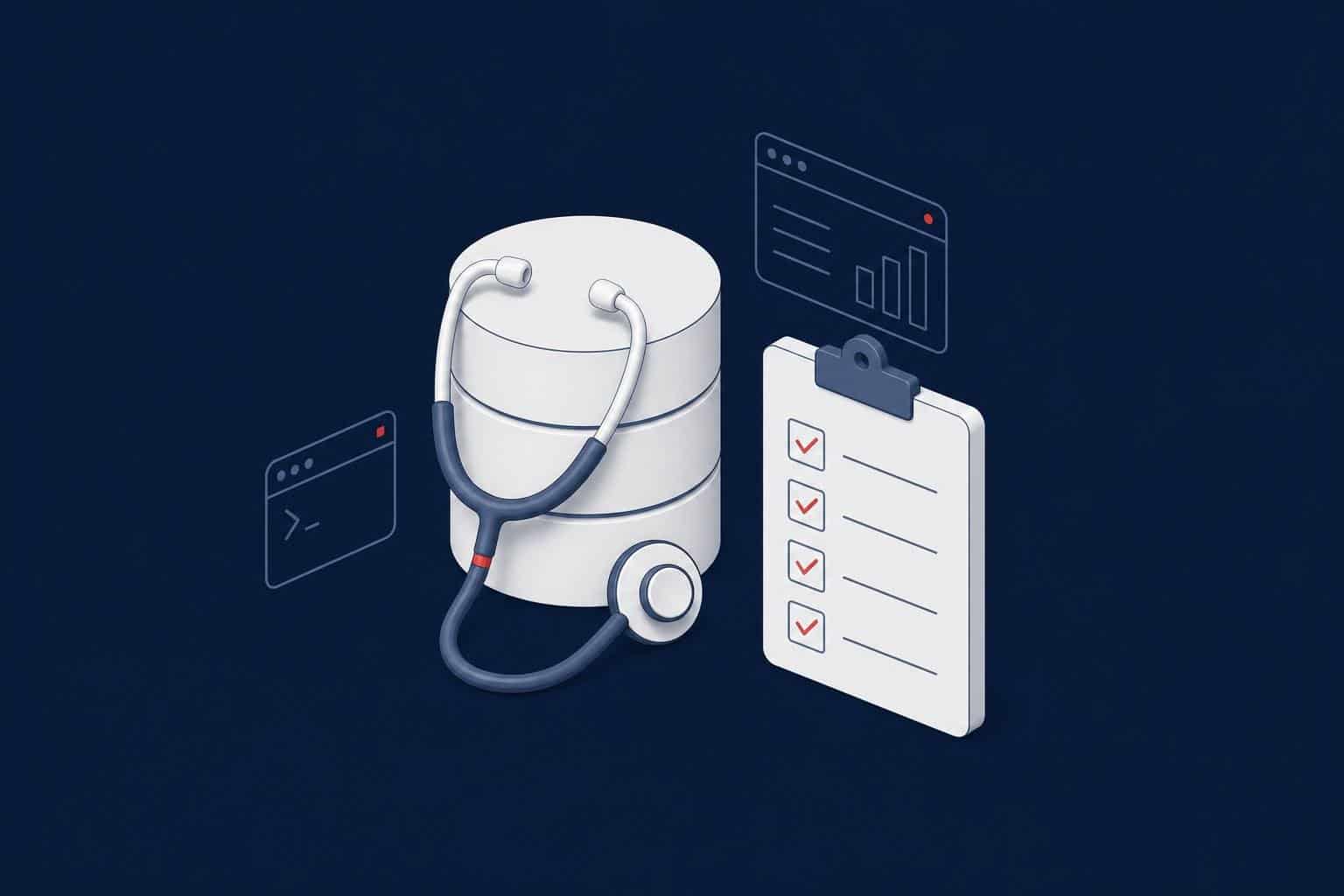
A database health check is a structured review of a database environment’s configuration, backup and recovery readiness, security, performance and high availability, with the findings ranked by risk. The goal is to see problems before they turn into an outage or data loss, and to make clear which improvement should come first.
This guide is for IT managers and database teams running SQL Server, Oracle or PostgreSQL. It covers what a health check should include, what changes from platform to platform, how often to run one and what a good report looks like.
See the real state of your databases
Aryasoft's senior experts review your SQL Server, Oracle and PostgreSQL environments for configuration, backups, security, performance and high availability, and report the findings in priority order.
Database Health Check at a Glance
| Question | Short answer |
|---|---|
| When? | At least once a year, plus after a major upgrade, migration or outage, and whenever the DBA changes. |
| What does it cover? | Backup and recovery, configuration, security, performance, high availability, capacity, maintenance and version status. |
| Does it affect the system? | Not when done properly. The checks use read-only queries and don’t disturb the workload. |
| How long does it take? | A few days, depending on the size of the estate. Data collection usually takes hours; most of the time goes into analysis and reporting. |
| What do you get? | A prioritized report with the risk, the evidence and the recommended fix for each finding. |
Why You Need a Health Check
Most database problems don’t appear overnight. They build up quietly for months. A disk that is nearly full, a backup nobody has ever restored, a replica nobody watches any more or a report that locks up at month-end are usually noticed only when something breaks.
These are the root causes we see most often in the field:
- Inefficient queries from third-party applications
- No connection pool management: connections are opened, never closed and left sleeping
- Poor transaction handling that causes deadlocks
- No backup policy, so log files fill up or replication stalls
- Replication and Always On performance that nobody monitors
- Disk layouts that ignore best practices, disks that fill up at peak hours and badly set autogrowth
- Missing index maintenance and consistency checks, so corruption is found far too late
None of these is complicated on its own. What makes them dangerous is that they pile up where nobody is looking. A health check makes that build-up visible at regular intervals.
What a Health Check Should Cover
Whatever the platform, a thorough health check should review these eight areas:
| Area | What is checked | What happens if it’s missed |
|---|---|---|
| 1. Backup and recovery | Last successful backups, log backup chain, off-server copies, restore tests, RPO/RTO alignment | After a failure the data can’t be brought back, or comes back much later than planned. |
| 2. Data integrity | Regular consistency checks (DBCC CHECKDB on SQL Server), page verification settings | Corruption is discovered months later, after the backups are corrupt too. |
| 3. Configuration | Memory, parallelism, file placement, autogrowth, tempdb and operating system settings | The hardware can’t be fully used, and unexpected slowdowns follow. |
| 4. Security | Privileged accounts, unused accounts, password policy, encryption, audit logs, patches | A single leaked account can expose all the data, and audits raise findings. |
| 5. Performance | Most expensive queries, wait statistics, missing and unused indexes, blocking and deadlocks | By the time users notice the slowdown, it has already cost the business. |
| 6. High availability | Replication lag, failover readiness, synchronization state, last failover test | The standby that exists on paper doesn’t take over when it’s needed. |
| 7. Capacity | Disk usage and growth rate, log growth, CPU and memory trends | A disk fills up at midnight and the system stops. |
| 8. Version and support status | Major version, current patch level, end-of-support dates | Known vulnerabilities and bugs stay open, and audits raise findings. |
Platform-Specific Checks
The eight areas are the same on every platform, but each database has risks of its own.
| Platform | What deserves extra attention |
|---|---|
| SQL Server | Recovery model versus log backups, DBCC CHECKDB history, max server memory and MAXDOP, tempdb file layout, VLF count, failing Agent jobs, Always On synchronization state, sysadmin members |
| Oracle | RMAN backups and archive log management, tablespace usage, alert log errors, invalid objects, patch level, Data Guard lag. Remember that AWR and ASH reports require an extra license (Diagnostics Pack). |
| PostgreSQL | WAL archiving and PITR readiness, autovacuum behavior and table bloat, transaction ID age (wraparound), forgotten replication slots, connection count and pool usage, most expensive queries via pg_stat_statements |
You’ll find a detailed 12-point checklist for SQL Server in our SQL Server health check guide, and ten core rules for PostgreSQL in our PostgreSQL best practices post.
A Quick Start: Are Backups Really Running?
The first question of any health check is backups. The query below shows, for each database on SQL Server, when the last full, differential and log backups finished. Databases in the FULL recovery model that never get a log backup, or whose last backup is days old, belong at the top of the report.
SELECT d.name AS database_name,
       d.recovery_model_desc,
       MAX(CASE WHEN b.type = 'D' THEN b.backup_finish_date END) AS last_full,
       MAX(CASE WHEN b.type = 'I' THEN b.backup_finish_date END) AS last_diff,
       MAX(CASE WHEN b.type = 'L' THEN b.backup_finish_date END) AS last_log
FROM sys.databases AS d
LEFT JOIN msdb.dbo.backupset AS b
       ON b.database_name = d.name
WHERE d.name <> 'tempdb'
GROUP BY d.name, d.recovery_model_desc
ORDER BY last_full;
On PostgreSQL the same question starts with whether WAL archiving works. Failed archiving silently removes your ability to restore to a point in time:
SELECT archived_count, last_archived_time,
       failed_count, last_failed_time
FROM pg_stat_archiver;
Warning
A row in the backup history doesn’t prove the backup can be restored. As part of the health check, restore the most critical database to a separate server and time it. A backup that can’t be restored is the most expensive finding a health check can produce.
What a Good Health Check Report Looks Like
A health check is only as useful as its report. A raw dump of hundreds of pages ends up as a file nobody reads. A good report has these qualities:
| Quality | Why it matters |
|---|---|
| Executive summary | The decision-maker should see the three biggest risks and the action needed on the first page. |
| Risk level | Every finding is rated critical, high, medium or low. |
| Evidence | The query result or setting value behind each finding is in the report. |
| Concrete recommendation | Not “review your indexes”, but which setting changes to which value, or which job gets added. |
| Downtime needed or not | Which fixes can be made on the live system and which need a maintenance window. |
| Date and scope | Which servers were reviewed and when, so the next check can be compared with this one. |
How Often Should You Run a Health Check?
| Situation | Recommended frequency |
|---|---|
| Critical production systems | At least twice a year, plus continuous monitoring |
| Other systems | Once a year |
| Version upgrade or migration | Before (preparation) and after (validation) |
| After a serious outage | Together with the root cause analysis |
| Change of DBA or service provider | As part of the handover |
| After ransomware or a security incident | Immediately, especially backups and permissions |
A health check doesn’t replace continuous monitoring. Monitoring shows today’s problem; a health check reveals the system’s structural risks. The two complement each other. We describe which metrics to watch continuously in our SQL Server monitoring checklist.
Do It Yourself or Bring In an Expert?
Your in-house team can and should run the basic checks regularly: whether backups run, how full the disks are and what the error logs say. An independent expert review makes a difference when:
- The team finds it hard to see flaws in a system it built; an outside view spots risks that have become accepted habit.
- The estate runs several database platforms, each needing its own expertise.
- The results will feed an audit, an investment decision or the choice of a service provider.
- The DBA has left and nobody knows the system’s real state any more.
Note
Always ask the tool or provider running the health check: “Which queries will you run on our systems, and can we see them in advance?” A trustworthy health check runs read-only, changes nothing on the system and shows every query it runs.
How Aryasoft Runs a Health Check
For SQL Server health checks Aryasoft uses HELT360, a tool we built ourselves as an R&D project at GarajX TEKMER. HELT360 runs read-only, performs configuration checks only and adds no load to the system. Every script it runs can be viewed in its panel, and on request all of its traffic is logged to text files. Findings are reported with timestamps.
On Oracle and PostgreSQL our senior experts review the same eight areas with platform-specific checks. You receive an executive summary, findings in priority order and an improvement plan that starts with the fixes that need no downtime. If you want your environment followed up regularly, the health check is also the first step of our managed database services.
Frequently Asked Questions
Sources
The technical details in this guide were checked against the following official documentation in November 2026.
- Microsoft Learn: backupset (Transact-SQL)
- Microsoft Learn: DBCC CHECKDB
- PostgreSQL documentation: The Cumulative Statistics System (pg_stat_archiver)
- PostgreSQL documentation: Routine Vacuuming
- Oracle Database Licensing Information (Diagnostics Pack)
Database Health Check
See problems before they become outages
Aryasoft’s senior experts review your SQL Server, Oracle and PostgreSQL environments and report the findings in priority order, with evidence and recommendations.