TABLE OF CONTENTS
- •Which Azure SQL option fits your workload?
- •The Three Options in One Minute
- •Comparison Table
- •When to Choose Each Option
- •Networking and Security Differences
- •Cost Model: What You Actually Compare
- •Migration Implications
- •Common Pitfalls
- •FAQ
- •How Aryasoft Approaches an Azure SQL Decision
- •Sources
- •Pick the right Azure SQL target before you migrate
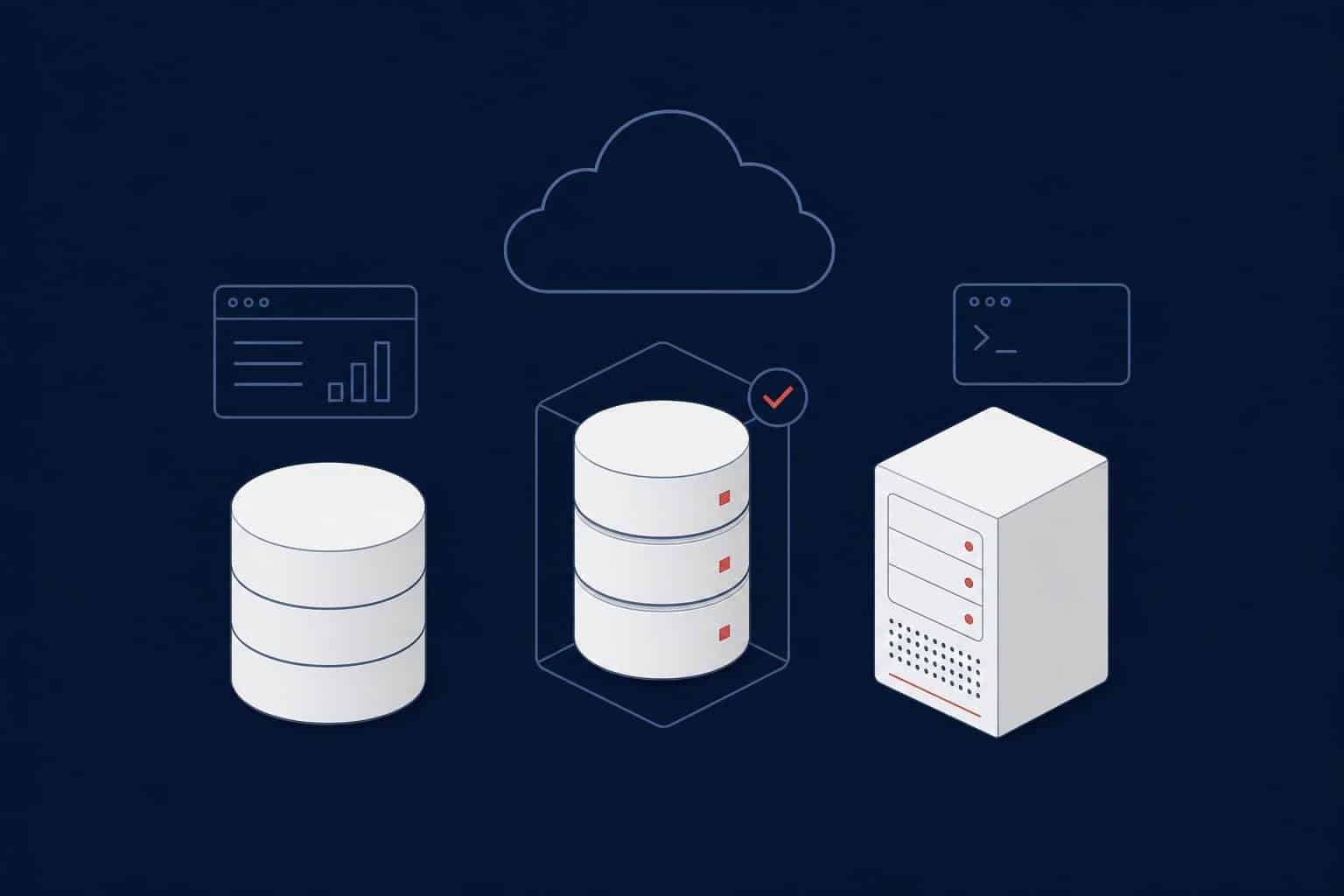
Choose Azure SQL Database for new or cloud-native applications that fit inside a single database. Choose Azure SQL Managed Instance for most migrations of existing SQL Server applications that need instance-level features such as SQL Server Agent and cross-database queries, but not operating system access. Choose SQL Server on an Azure VM when you need OS-level control, full engine parity or something the PaaS options do not support.
Those three answers cover most cases, but the details decide whether a migration is a weekend project or a six-month redesign. This guide compares the three options on features, limits, networking, cost model and migration path, using Microsoft’s current documentation, and ends with a decision tree you can walk through with your own workload.
Which Azure SQL option fits your workload?
In a free assessment call we look at your SQL Server estate, its dependencies and your goals, and clarify which Azure SQL option fits and why.
The Three Options in One Minute
Azure SQL Database is a database-as-a-service. You get a single database (or an elastic pool of databases) on a logical server, with Microsoft running the engine, patching, backups and high availability. It supports serverless compute, and its Hyperscale tier scales storage up to 128 TB. It is built for applications, not for lifting a whole SQL Server instance.
Azure SQL Managed Instance is also PaaS, but the unit is an instance: a set of system and user databases that share resources, with near 100% compatibility with the SQL Server engine. It sits inside your virtual network and is the option Microsoft positions as the best target for most migrations to the cloud.
SQL Server on Azure VM is infrastructure-as-a-service. You run a normal SQL Server on a Windows or Linux virtual machine, with full control over the engine and the operating system, and you remain responsible for the VM, patching strategy, backups and high availability design.
Comparison Table
The table summarizes the differences that most often change a decision. Limits are current at the time of writing and vary by service tier, hardware and region.
| Azure SQL Database | Azure SQL Managed Instance | SQL Server on Azure VM | |
|---|---|---|---|
| Service model | PaaS, database scoped (single database, elastic pool) | PaaS, instance scoped (dedicated, in your VNet) | IaaS, you manage the VM and SQL Server |
| Best fit | New or cloud-native apps, SaaS with many databases, variable load | Migrating existing SQL Server apps with minimal change | OS access, full parity, special versions or software on the same server |
| Feature coverage | Most database-level features; many instance-level features missing | Almost all database-level and instance-level features, with documented exceptions | Full parity with the installed SQL Server version |
| SQL Server Agent | No, use elastic jobs | Yes (with documented differences) | Yes |
| Cross-database queries and transactions | Cross-database queries: no, use elastic query. Cross-database transactions: no | Yes, within the instance | Yes |
| Linked servers, Database Mail | No | Yes (linked servers only to SQL Server and SQL Database, without distributed transactions) | Yes |
| OS access, own software on the server | No | No | Yes |
| Recovery model | Full only | Full only | Any, including simple and bulk-logged |
| Largest storage | Up to 128 TB (Hyperscale) | 16 TB, or 32 TB on Next-gen General Purpose; Business Critical limits depend on hardware and vCores | Instances of up to 256 TB, per Microsoft’s comparison table |
| Databases per unit | Many, per logical server (elastic pools for shared resources) | 100 user databases (General Purpose, Business Critical), 500 (Next-gen General Purpose) | As many as the VM and storage can support |
| Networking | Public endpoint with firewall rules; Private Link available | Native VNet, dedicated delegated subnet; optional public and private endpoints | Your own VNet, private IP, your own firewall design |
| Patching, backups, HA | Built in; zone redundancy available | Built in; zone redundancy available | Yours to design; automated backup and patching available through the IaaS Agent extension |
| Availability SLA | Enterprise-class SLA, higher with zone redundancy | Enterprise-class SLA, higher with zone redundancy | SLA covers the VMs, not the SQL Server process; database HA needs Always On or similar |
| Billing model | Hourly (serverless: per second), by tier and compute size | Hourly, by tier and compute size; instance pools; stop and start (General Purpose) | VM compute, SQL Server license (per minute, or bring your own) and disks |
| Azure Hybrid Benefit | Yes, provisioned vCore compute only | Yes | Yes, switchable without downtime |
| Migration effort from on-premises SQL Server | Highest: instance-level dependencies must be reworked | Low to medium: assess, then restore, link or replay logs | Lowest: same engine, same OS-level model |
The storage rows above compare different things: a single database in SQL Database, the instance storage of a managed instance, and the total storage of a VM-hosted instance. Use them as order-of-magnitude limits and check the current resource-limit pages for your exact tier, hardware and region.
When to Choose Each Option
Work through the questions in order and stop at the first one that applies. The order matters because the first questions rule out options for hard technical reasons, while the later ones are about fit and cost.
One question comes before all of them: where is the data allowed to live? Banks in Türkiye, for example, must keep their primary and secondary systems in the country under the BDDK information systems regulation, and personal data processed in an Azure region abroad counts as a transfer abroad under KVKK. Settle the region and the legal review first, because they can rule out a target before any technical question does.
- Do you need access to the operating system, or software installed beside SQL Server? Examples are third-party agents, SSRS, or the simple recovery model for a large bulk-load database. Choose SQL Server on Azure VM. Managed Instance cannot run SSRS as a service, although it can host the catalog databases for a reporting server on a VM.
- Do you need a SQL Server version, feature or setting that the PaaS options do not offer? FILESTREAM and FileTable are typical examples. The VM is the only option with full parity with the version you install. Choose SQL Server on Azure VM.
- Is a single database larger than the managed instance storage limit (16 TB, or 32 TB on Next-gen General Purpose)? If it also needs instance-level features, choose SQL Server on Azure VM. If it doesn’t, look at Azure SQL Database Hyperscale, which scales to 128 TB.
- Does the application depend on instance-level features, such as SQL Server Agent jobs, cross-database queries or transactions, linked servers, Database Mail or CLR? Choose Azure SQL Managed Instance.
- Do you want the least change to a many-database SQL Server application, but also no VM to patch? Choose Azure SQL Managed Instance. Run an assessment first so you know about the documented exceptions before you commit.
- Is this a new or cloud-native application, a single application database, or a multitenant design with many databases and uneven load? Choose Azure SQL Database, with serverless compute or elastic pools where they fit.
Warning
“Managed” does not mean “identical to SQL Server”. If the answer to question 4 is yes for even one critical job or cross-database query, Azure SQL Database will force an application change. Find these dependencies in the assessment, not during cutover.
Networking and Security Differences
Networking is where the three options differ most in day-to-day design.
- Azure SQL Database: reachable through a public endpoint controlled by firewall rules, with Private Link available for private connectivity.
- Azure SQL Managed Instance: deployed into a subnet that is dedicated to managed instances and delegated to the
Microsoft.Sql/managedInstancesresource provider. The subnet needs a network security group and a route table, and Microsoft requires at least 32 IP addresses in it. The default endpoint is VNet-local; a public endpoint (port 3342) and private endpoints are optional. - SQL Server on Azure VM: a VM in your own virtual network with a private IP address. Firewalling, patching of the OS and endpoint exposure are yours to design.
Aryasoft field note: for Managed Instance, treat the subnet, DNS and firewall design as a first-week decision, not a deployment detail. The subnet is dedicated and delegated, so retrofitting it later in a crowded network is usually harder than planning it up front.
Cost Model: What You Actually Compare
We do not quote prices here because they change by region, tier, currency and agreement. Use Microsoft’s pricing pages and the pricing calculator for the numbers. What this guide can tell you is which cost components each option has, so that you compare like with like.
- Azure SQL Database: billed on the service tier and compute size. Serverless compute bills compute per second.
- Azure SQL Managed Instance: billed hourly on tier, compute and storage, and you can use instance pools and reservations to save cost. On General Purpose you can also stop the instance when it isn’t needed: while it is stopped you pay only for data and backup storage. Stop and start isn’t available with zone redundancy, failover groups, instance pools or the Managed Instance link, so it suits dev and test more than production.
- SQL Server on Azure VM: you pay for the VM, the SQL Server license (per minute with platform images, unless you bring your own license) and the disks. Azure charges separately for the extra VMs, storage and licenses you need for high availability.
- Azure Hybrid Benefit: with Software Assurance you can allocate existing SQL Server licenses to all three options for a discount on the license component. For SQL Database it applies to provisioned vCore compute only, not to serverless or DTU-based databases.
A fair comparison also includes the labor the PaaS options remove: patching, backup scheduling, HA design and engine upgrades. See our SQL Server licensing guide for how Core and CAL licenses and Software Assurance interact with these models.
Tip
Compare total cost per workload, not price per vCore. A PaaS price already contains licensing, patching, backup storage and the HA replicas, while a VM price has to be topped up with a second VM, extra disks and your own administration time before it is comparable.
Migration Implications
Each target has a different set of Microsoft-supported migration paths. Pick the path from the downtime you can accept, not from the tool you have heard of.
- To Managed Instance:
- Native backup and restore of .bak files from Azure Storage is the simplest route, but downtime must cover the full backup and restore. Backups that contain FILESTREAM data cannot be restored.
- Log Replay Service (free, based on log shipping) keeps the target in restoring mode until cutover, uses a public endpoint, and can be interrupted by system updates. When the target is Business Critical, allow for a delay after cutover while databases seed to the secondary replicas.
- Managed Instance link uses a distributed availability group for near real-time replication. It works from SQL Server 2016 onward, supports General Purpose and Business Critical, allows read-only access on the target, and is the only Microsoft option for true online migration to Business Critical. With SQL Server 2016 to 2019 the link is one-way; failback is supported from SQL Server 2022.
- Azure Database Migration Service supports online and offline migration to Managed Instance, and the Azure Arc migration experience can assess and migrate from the Azure portal.
- To SQL Server on Azure VM: Microsoft lists Azure Migrate (whole-server lift and shift), backup and restore (also to URL), distributed availability groups, log shipping and Azure Database Migration Service. For databases over 1 TB, Microsoft recommends a local native backup copied to Azure rather than a network-based approach.
- To SQL Database: Azure Database Migration Service in offline mode, BACPAC import and transactional replication are the documented paths. SQL Server high-availability features such as Always On become unnecessary on the target.
Note
A backup taken on a managed instance can go back to SQL Server only if the instance uses the SQL Server 2022 or SQL Server 2025 update policy, and only to that same version. With the Always-up-to-date policy, backups restore only to other Always-up-to-date instances, and the policy can’t be switched back. Choose the update policy as part of your exit plan, before cutover.
If you are still on an older version, the target decision interacts with the version decision. Our SQL Server 2025 upgrade guide and SQL Server 2016 end-of-support guide cover the on-premises side, and our database migration service covers how we run these moves. For a real example, read how we migrated a national healthcare network to Azure with under five minutes of downtime. Hundreds of SSRS reports and SSIS packages and an Always On disaster recovery design were part of that move, the kind of requirements that the first questions of the decision tree are there to catch.
Common Pitfalls
- Choosing from a feature list instead of an assessment. The documentation lists supported and unsupported features, but only a scan of your own instance shows which of them you use. Run a compatibility assessment first.
- Treating the VM as the “safe” default and stopping there. A VM keeps you in charge of OS and SQL Server patching, backups and HA. Microsoft’s own SLA wording is clear that the VM SLA does not cover the SQL Server process, so a single VM is not an HA design. Our Always On guide covers the options.
- Assuming the recovery model carries over. Both PaaS options run the full recovery model only, so jobs that rely on simple or bulk-logged recovery need a redesign.
- Counting only the compute price. Add second replicas or VMs, disks or storage, backup retention and operations time to both sides of the comparison.
- Forgetting the exit. Know in advance how you would move back or on, for example with the link feature or copy-only backups, both of which depend on a SQL Server 2022 or 2025 update policy on the managed instance.
Aryasoft field note: write the decision down per database, not per server. In a typical SQL Server estate, a few databases drive the instance-level dependencies. Those few databases often decide between Managed Instance and a VM, while the rest could move to the simpler option.
FAQ
How Aryasoft Approaches an Azure SQL Decision
We start with an inventory of your SQL Server instances and the instance-level features each database actually uses, together with a read-only health scan of the source estate using HELT360, our own SQL Server health check. Then we map every database to a target, design the Managed Instance network where it applies, compare total cost against your licensing position, and agree a migration path and rollback point per workload.
You get a written target architecture you can take to your budget owner, and the same senior team stays with you through cutover and validation. Our Azure service page describes the full scope.
Related Reading
Sources
Technical claims in this guide were checked against the Microsoft documentation below on 19–20 October 2026. The date shown is the “last updated” date on the page when we read it. Limits, regions and features change, so confirm them on the linked page before you finalize a design.
- What is Azure SQL? (Azure SQL family overview and comparison) (last updated: 2026-03-11)
- Azure SQL Managed Instance overview (last updated: 2026-02-19)
- Features comparison: Azure SQL Database and Azure SQL Managed Instance (last updated: 2026-09-30)
- Resource limits for Azure SQL Managed Instance (last updated: 2026-09-28)
- Connectivity architecture for Azure SQL Managed Instance (last updated: 2026-05-12)
- What is the Azure SQL Database service? (last updated: 2026-10-13)
- SQL Server on Azure Virtual Machines overview (last updated: 2026-04-02)
- Automate management with the Windows SQL Server IaaS Agent extension (last updated: 2026-05-06)
- Azure Hybrid Benefit: Azure SQL Database and SQL Managed Instance (last updated: 2025-09-02)
- Managed Instance link feature overview (last updated: 2026-09-29)
- Migration overview: SQL Server to Azure SQL Managed Instance (last updated: 2026-06-02)
- Migration overview: SQL Server to SQL Server on Azure VMs (last updated: 2026-06-22)
- Migration overview: SQL Server to Azure SQL Database (last updated: 2026-02-19)
- What is Azure Database Migration Service? (last updated: 2026-02-20)
- Migrate databases from SQL Server by using Log Replay Service (Azure SQL Managed Instance) (last updated: 2026-04-16)
- Business continuity and HADR for SQL Server on Azure Virtual Machines (last updated: 2025-09-17)
- T-SQL differences between SQL Server and Azure SQL Managed Instance (last updated: 2026-07-16)
- SQL Server migration in Azure Arc (last updated: 2026-09-15)
- Update policy: Azure SQL Managed Instance (last updated: 2026-09-25)
- Stop and start an instance: Azure SQL Managed Instance (last updated: 2025-08-27)
- Azure SQL Database pricing (Microsoft) (live pricing page, check the current price in your region and currency)
- Azure SQL Managed Instance pricing (Microsoft) (live pricing page, check the current price in your region and currency)
- SQL Server Standard virtual machines pricing (Microsoft) (live pricing page, check the current price in your region and currency)
- Azure pricing calculator (Microsoft) (live pricing page, check the current price in your region and currency)
Azure Migration Consulting
Pick the right Azure SQL target before you migrate
Talk to Aryasoft’s senior DBA and cloud team before you commit to a target. We assess compatibility, networking, licensing and migration risk, and leave you with a documented target architecture for every database.