TABLE OF CONTENTS
- •Is your PostgreSQL ready for an audit?
- •PostgreSQL Security Layers at a Glance
- •1. Authentication
- •2. Roles and Least Privilege
- •3. Row-Level Security
- •4. Column-Level Access and Masking
- •5. Encryption
- •6. Audit Logging
- •Checklist for Data Protection Audits
- •PostgreSQL Security with Aryasoft
- •Frequently Asked Questions
- •Sources
- •An audit-ready PostgreSQL environment
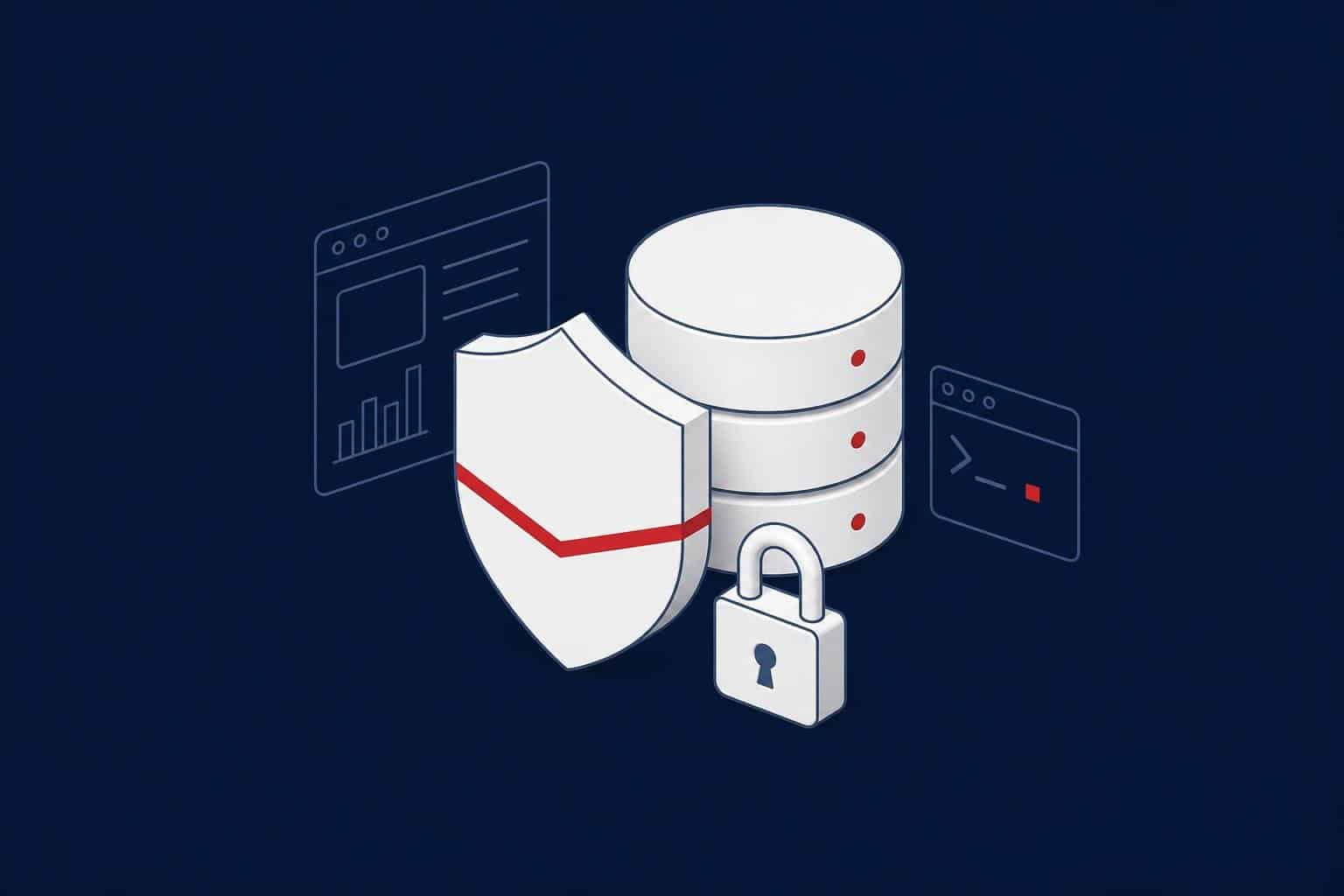
PostgreSQL security works in five layers: authentication (who can connect), authorization (who can see and change what), row- and column-level access control, encryption (on the network and on disk) and audit logging (who did what). PostgreSQL offers strong built-in features for most of these layers, but the defaults aren’t enough for every environment, and some needs, such as detailed audit logging, require an extension.
This guide is for teams running PostgreSQL in production and for organizations preparing for GDPR, KVKK (Türkiye’s data protection law), banking regulator or ISO 27001 audits. We tested the examples on PostgreSQL 18.
Is your PostgreSQL ready for an audit?
Aryasoft's senior PostgreSQL experts review privileges, authentication, encryption and audit logging, report findings in priority order and apply the fixes.
PostgreSQL Security Layers at a Glance
| Layer | PostgreSQL feature | Core rule |
|---|---|---|
| Authentication | pg_hba.conf, SCRAM-SHA-256, certificates, LDAP, OAuth (18+) |
Never trust for network connections; a narrow network in every rule |
| Authorization | Roles, GRANT/REVOKE, predefined roles (pg_read_all_data, pg_monitor and so on) | Least privilege; no superuser for applications |
| Row-level access | Row-Level Security (RLS) policies | For multi-tenant and region- or branch-based access |
| Column-level access | Column privileges, views, masking | Sensitive columns open only to those who need them |
| Encryption | TLS (network), disk or file system encryption, pgcrypto | Remote connections over hostssl; backups encrypted |
| Auditing | Server logs, the pgAudit extension | Privileged actions and access to sensitive data are logged |
1. Authentication
The pg_hba.conf file decides who can connect to PostgreSQL, from where and how. Rules are read top to bottom, and the first matching rule applies.
| Do | Don’t |
|---|---|
| Name a specific database, role and narrow network in every rule. | Add broad rules like host all all 0.0.0.0/0. |
Use hostssl and scram-sha-256 for remote connections. |
Use trust or password (plain text) for network connections. |
| Find roles that still use MD5 passwords and reset them. | Go back to MD5; it is being phased out in PostgreSQL 18. |
| Consider LDAP, certificates or OAuth for corporate identity management. | Use shared accounts. |
We walk through authentication and remote access settings at install time in our PostgreSQL installation guide.
2. Roles and Least Privilege
In PostgreSQL, users and groups are the same concept: roles. A good permission model defines job roles and makes people members of them, instead of granting privileges to individuals directly.
| Role type | Example | Privileges |
|---|---|---|
| Owner role | app_owner | Owns the schema and objects; used only for release deployments |
| Application role | app_rw | SELECT, INSERT, UPDATE, DELETE on tables; no DDL |
| Reporting role | app_ro | SELECT only |
| Monitoring role | monitor | The predefined pg_monitor role; reads no data |
| Administration | postgres | DBAs only; applications never use it |
CREATE ROLE app_owner NOLOGIN;
CREATE ROLE app_rw NOLOGIN;
CREATE ROLE app_ro NOLOGIN;
CREATE SCHEMA sales AUTHORIZATION app_owner;
GRANT USAGE ON SCHEMA sales TO app_rw, app_ro;
-- Privileges for tables app_owner creates from now on
ALTER DEFAULT PRIVILEGES FOR ROLE app_owner IN SCHEMA sales
  GRANT SELECT, INSERT, UPDATE, DELETE ON TABLES TO app_rw;
ALTER DEFAULT PRIVILEGES FOR ROLE app_owner IN SCHEMA sales
  GRANT SELECT ON TABLES TO app_ro;
-- Login roles are members of the job roles
CREATE ROLE web_app LOGIN PASSWORD 'change_me' IN ROLE app_rw;
CREATE ROLE report_user LOGIN PASSWORD 'change_me' IN ROLE app_ro;
From PostgreSQL 15 on, the PUBLIC role can’t create objects in the public schema of new databases. Databases upgraded from older versions may still have that privilege; check and revoke it.
Review privileged roles regularly:
SELECT rolname, rolsuper, rolcreaterole, rolcreatedb, rolreplication, rolbypassrls
FROM pg_roles
WHERE rolsuper OR rolcreaterole OR rolreplication OR rolbypassrls
ORDER BY rolname;
Warning
Functions defined as SECURITY DEFINER run with the privileges of their owner, not the caller. Always pin search_path in these functions (SET search_path = ...); otherwise a user can create an object with the same name and abuse the function’s privileges.
3. Row-Level Security
Row-Level Security (RLS) filters the rows of a table by user. For example, each branch should see only its own customers. Because the filter is enforced in the database rather than in application code, a bug in the application doesn’t expose the data.
CREATE TABLE customers (id int PRIMARY KEY, branch text NOT NULL, name text NOT NULL);
INSERT INTO customers VALUES (1, 'istanbul', 'Acme'), (2, 'ankara', 'Beta'), (3, 'istanbul', 'Gama');

ALTER TABLE customers ENABLE ROW LEVEL SECURITY;
CREATE POLICY branch_isolation ON customers
  USING (branch = current_setting('app.branch', true));

CREATE ROLE branch_user LOGIN PASSWORD 'change_me';
GRANT SELECT ON customers TO branch_user;

-- As branch_user:
SET app.branch = 'istanbul';
SELECT id, name FROM customers;
--  id | name
--   1 | Acme
--   3 | Gama
Watch three things when you turn on RLS:
- The table owner and superusers are exempt from policies. Use
ALTER TABLE ... FORCE ROW LEVEL SECURITYto make the owner subject to them too. - Roles with BYPASSRLS skip policies; check regularly who holds it.
- Performance: the policy condition is added to every query; index the columns it uses.
4. Column-Level Access and Masking
Column privileges let you grant access to only some columns of a table:
CREATE TABLE employees (id int, full_name text, tckn text, salary numeric);
REVOKE ALL ON employees FROM PUBLIC;
GRANT SELECT (id, full_name) ON employees TO app_ro;
Here the app_ro role can’t read the national ID number (tckn) or salary columns, and SELECT * fails with a permission error. When data should be partly shown rather than fully hidden, for example only the last four digits of an ID number, you use masking. We cover masking methods for test environments in our PostgreSQL data masking guide.
5. Encryption
| Scope | How in PostgreSQL | Note |
|---|---|---|
| Network (in transit) | TLS; hostssl rules, ssl_min_protocol_version = 'TLSv1.2' |
A corporate certificate so clients can verify the server |
| Disk (at rest) | The community edition has no built-in transparent data encryption (TDE); use encryption at the disk, file system or storage layer. | Cloud services usually have storage encryption on by default. |
| Column | Application-level encryption with the pgcrypto extension | Keep key management outside the database |
| Backups | The backup tool’s encryption feature (for example pgBackRest) | Backups need the same protection as the database |
6. Audit Logging
PostgreSQL’s server logs can record connections, disconnections and DDL commands. The basic settings:
ALTER SYSTEM SET log_connections = 'on';
ALTER SYSTEM SET log_disconnections = 'on';
ALTER SYSTEM SET log_statement = 'ddl';
ALTER SYSTEM SET log_line_prefix = '%m [%p] %q%u@%d from %h ';
SELECT pg_reload_conf();
When audit requirements go further, for example recording who accessed sensitive tables with which query, the open source pgAudit extension is used. pgAudit produces detailed logs in the format auditors expect, at session level (classes such as all reads and writes) or object level (access to specific tables only).
Note
Audit logs only mean something when they are stored outside the database server, somewhere they can’t be altered. Ship the logs to a central log or SIEM system; a DBA being unable to delete the record of their own actions is one of the basic things auditors look for.
Checklist for Data Protection Audits
| Control | Evidence |
|---|---|
| Applications connect with job-based roles that aren’t superusers. | Role and membership list |
| Access to sensitive columns is restricted; test environments use masked data. | Column privileges, masking procedure |
| All remote connections are encrypted. | pg_hba.conf rules, pg_stat_ssl |
| Passwords are stored with SCRAM-SHA-256. | A query showing no role uses MD5 |
| Privileged actions and sensitive data access are logged, with logs kept off the server. | Log settings, pgAudit configuration, SIEM integration |
| Backups are encrypted and access to them is restricted. | Backup tool configuration |
| A supported version and the current minor release are in use. | SELECT version(); |
| Privileges are reviewed regularly. | Review records |
PostgreSQL Security with Aryasoft
Aryasoft’s senior PostgreSQL experts map your environment’s permission matrix, review authentication and encryption settings, configure audit logging to your organization’s requirements and report the findings in priority order. With our experience in regulated sectors such as finance and energy, we help you keep the evidence auditors ask for ready from day one. Details are on our PostgreSQL services page. For general production rules, see our PostgreSQL best practices post.
Frequently Asked Questions
Sources
The technical details in this guide were checked against the following official documentation in November 2026.
- PostgreSQL documentation: The pg_hba.conf File
- PostgreSQL documentation: Database Roles
- PostgreSQL documentation: Predefined Roles
- PostgreSQL documentation: Row Security Policies
- PostgreSQL documentation: CREATE FUNCTION (Writing SECURITY DEFINER Functions Safely)
- PostgreSQL documentation: Secure TCP/IP Connections with SSL
- PostgreSQL documentation: pgcrypto
- PostgreSQL documentation: Error Reporting and Logging
- pgAudit
PostgreSQL Security
An audit-ready PostgreSQL environment
Aryasoft’s senior PostgreSQL experts review privileges, authentication, encryption and audit logging, and apply the fixes.